
Add the client.
Keep contact details, notes and history together.
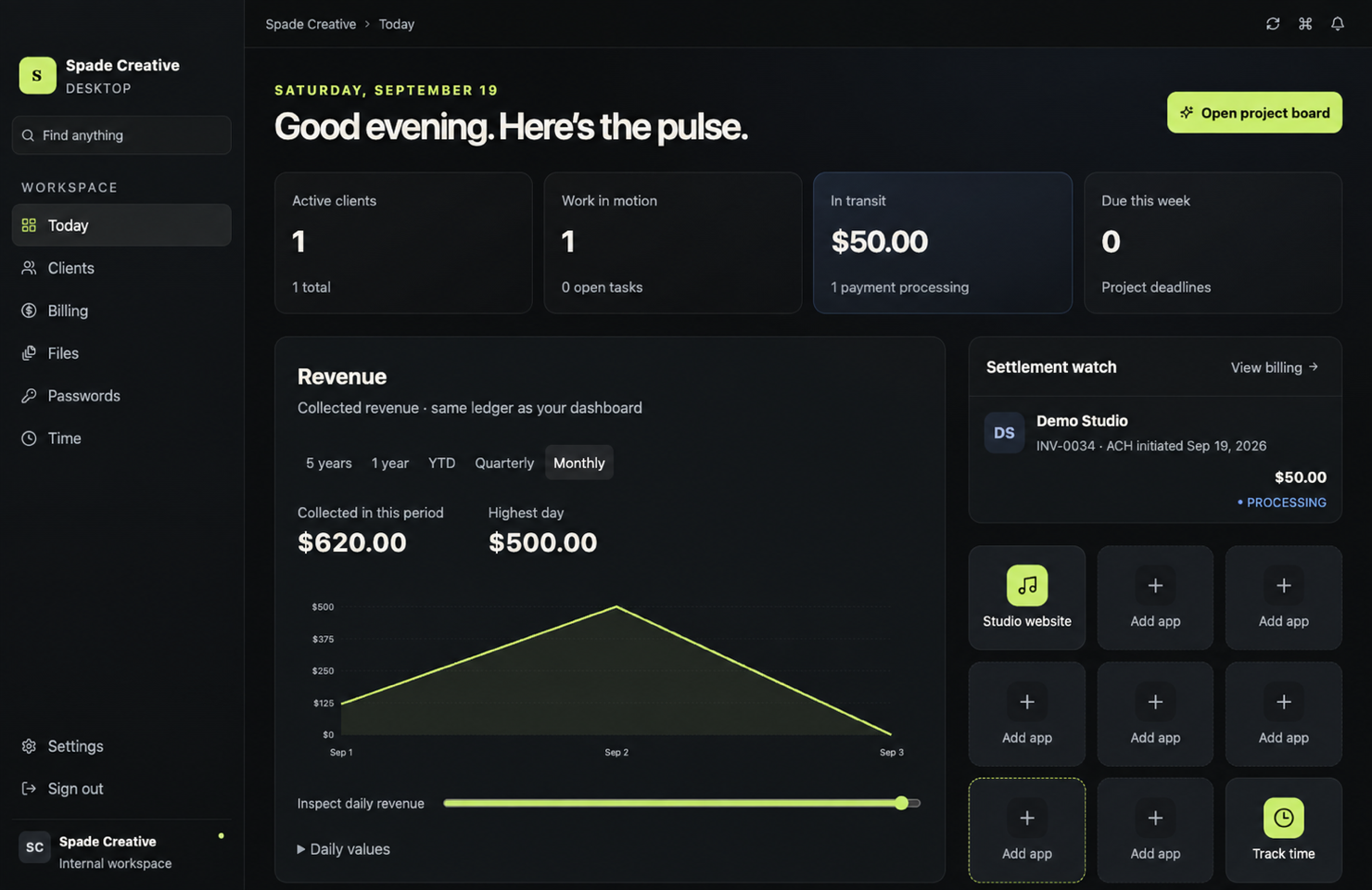
Projects, clients, billing, files and time—one clear view of what needs your attention. Built for creative studios and service businesses on Mac.
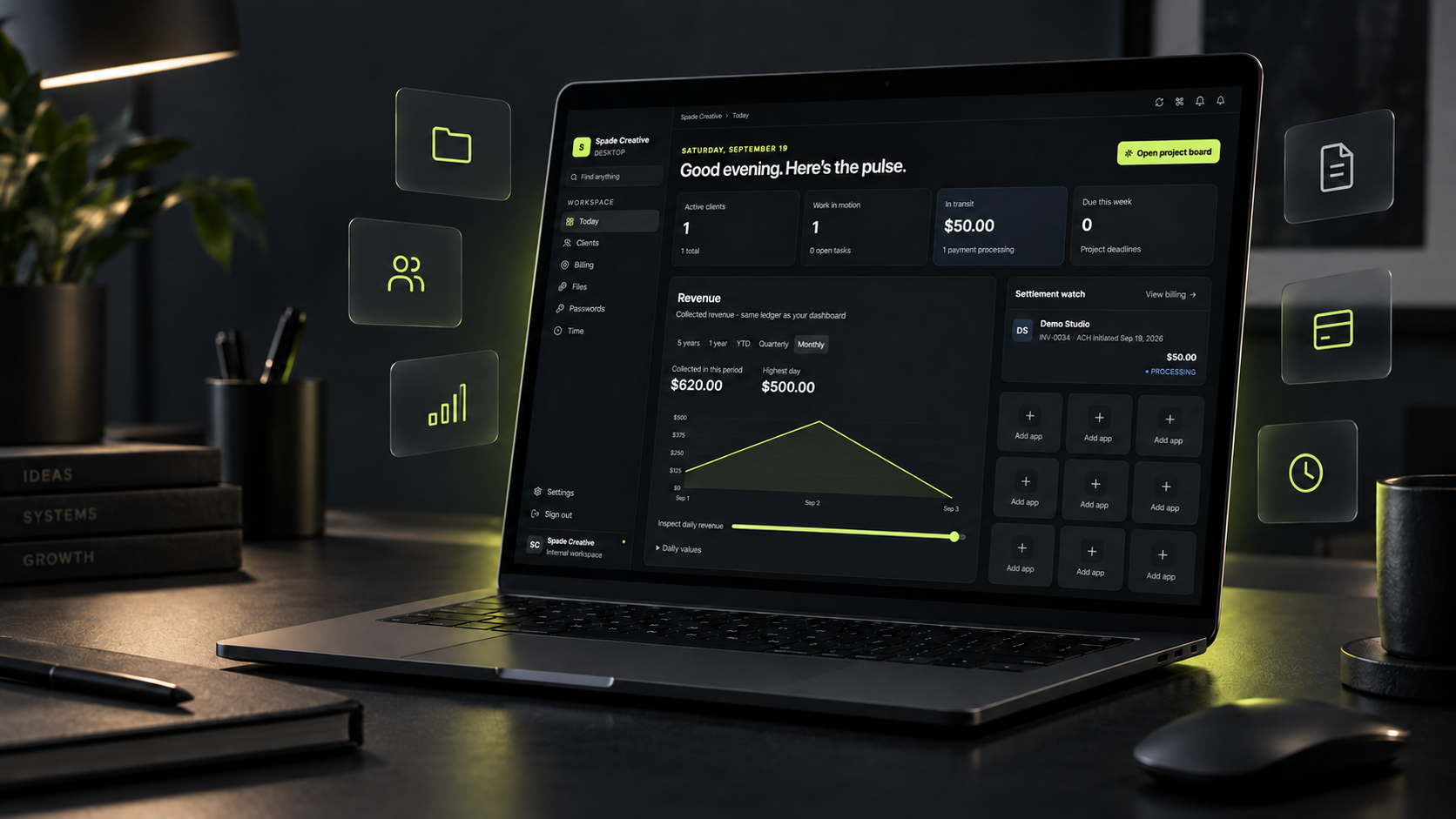
When projects, invoices, files, passwords and time live in separate places, you become the integration. Command Center gives client work one operational thread.
Move from the full picture to the details without losing the thread. Explore the real product views below.
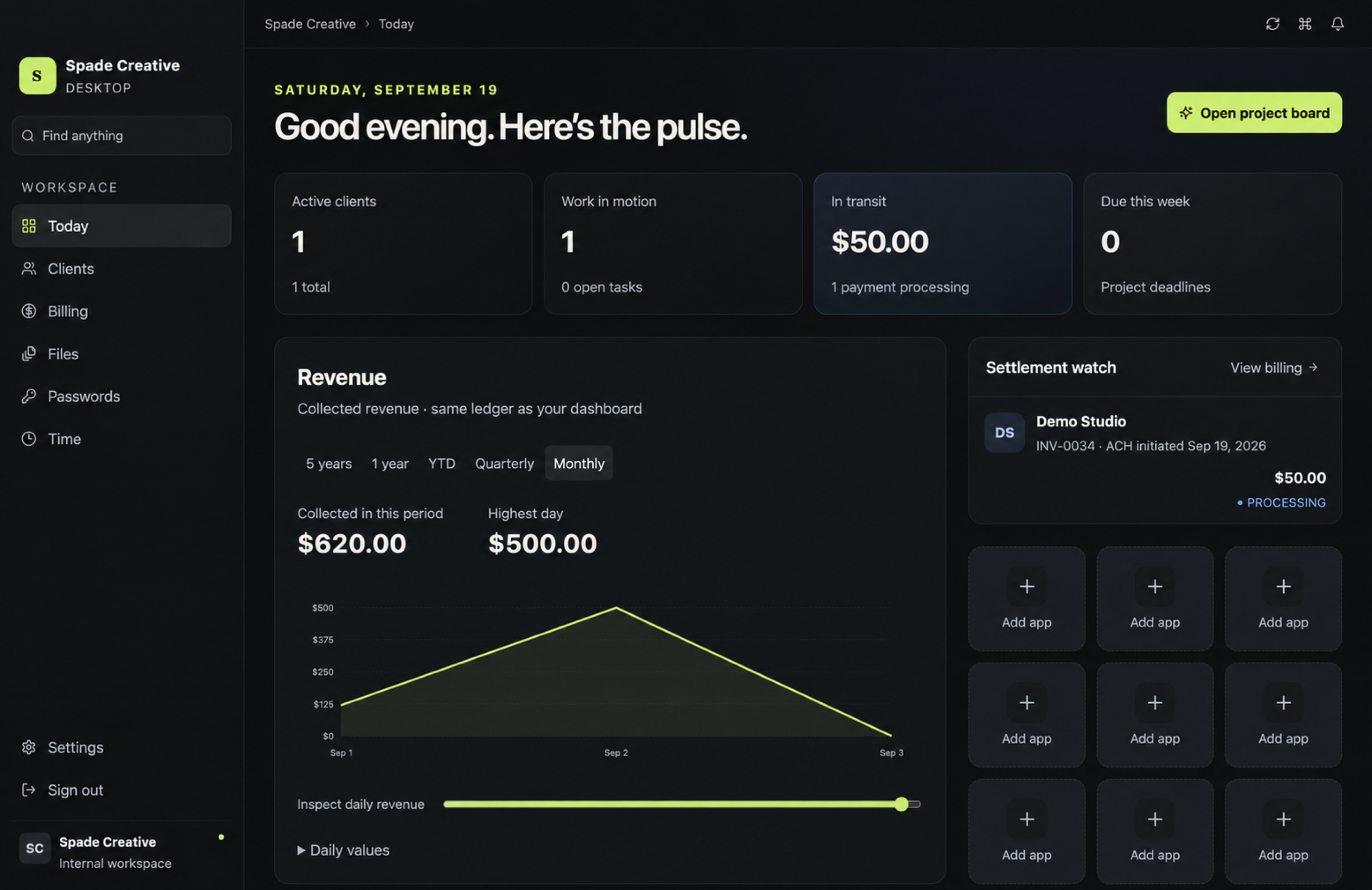
Each part of the job has a place. Follow the work from the first client record to the payment visible on Today.
Keep contact details, notes and history together.
Assign tasks, set deadlines and collect reviews.
Organize assets and control client visibility.
Record time, prepare invoices and follow payment.
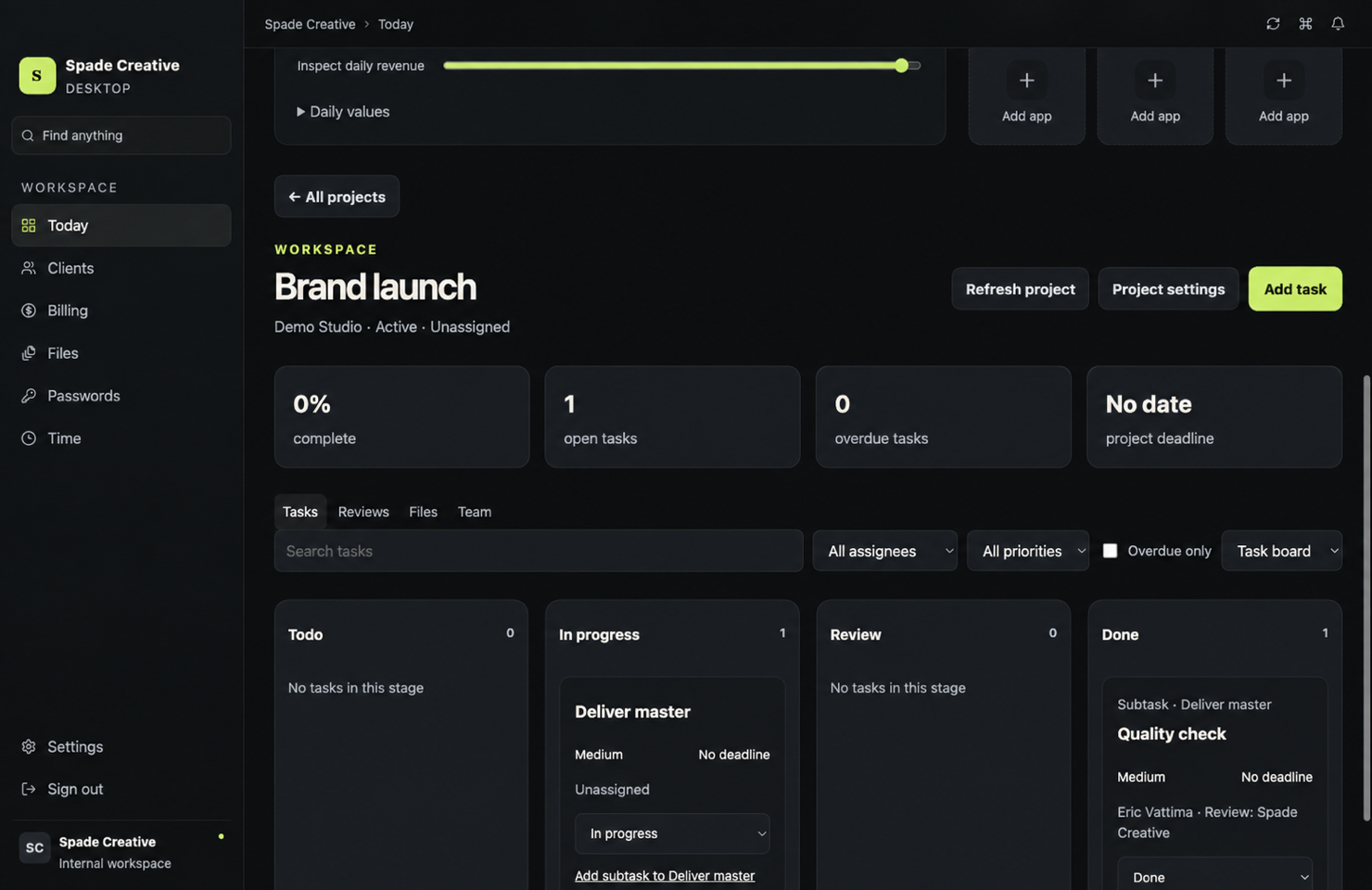
Open a project to see tasks, files and internal review in context. Open the client workspace to see the wider relationship.
Bring your workflow togetherPurposeful tools for the decisions a studio makes every day.
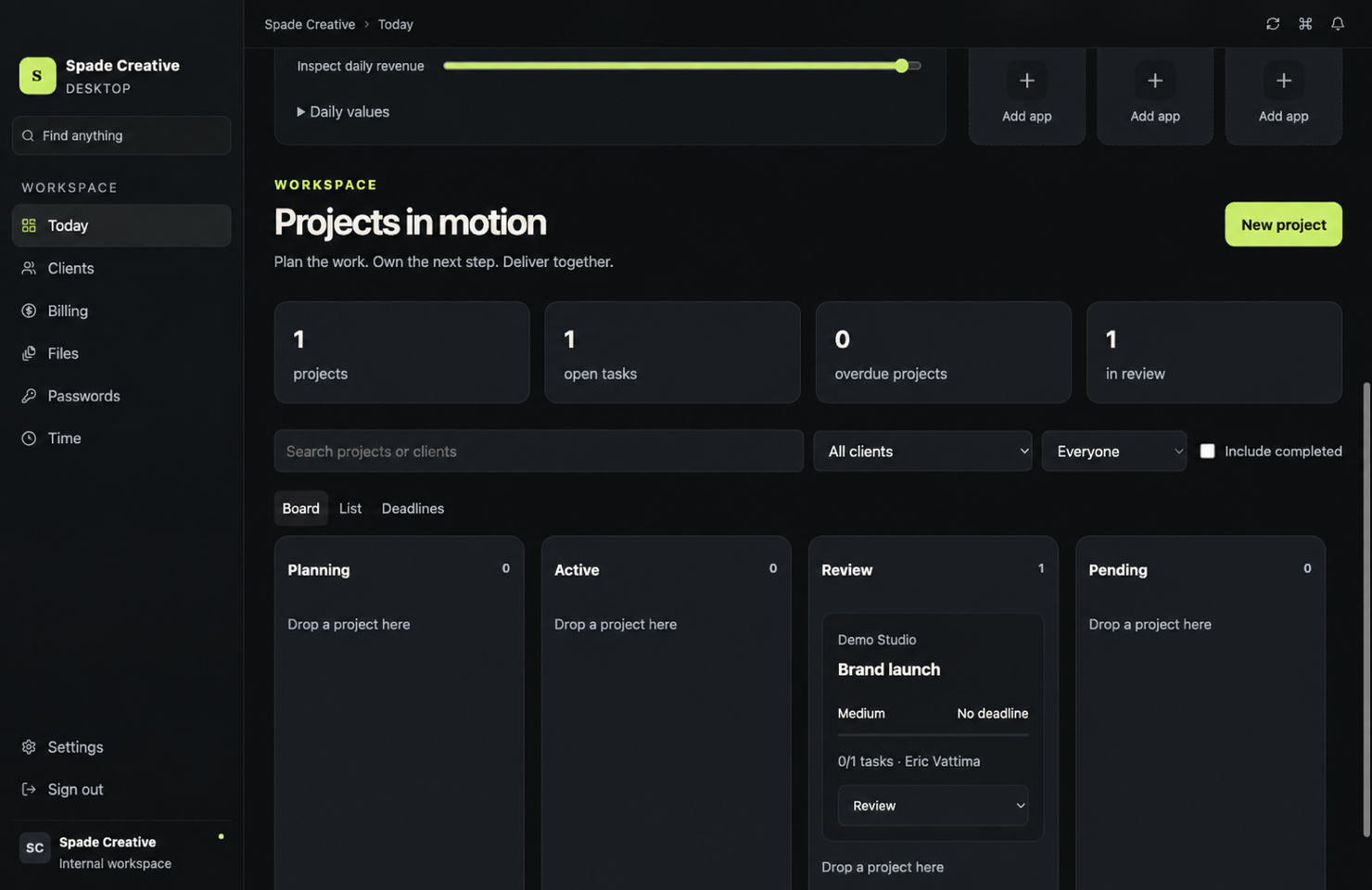
Board, table and deadline views for tasks, owners, priorities and reviews.
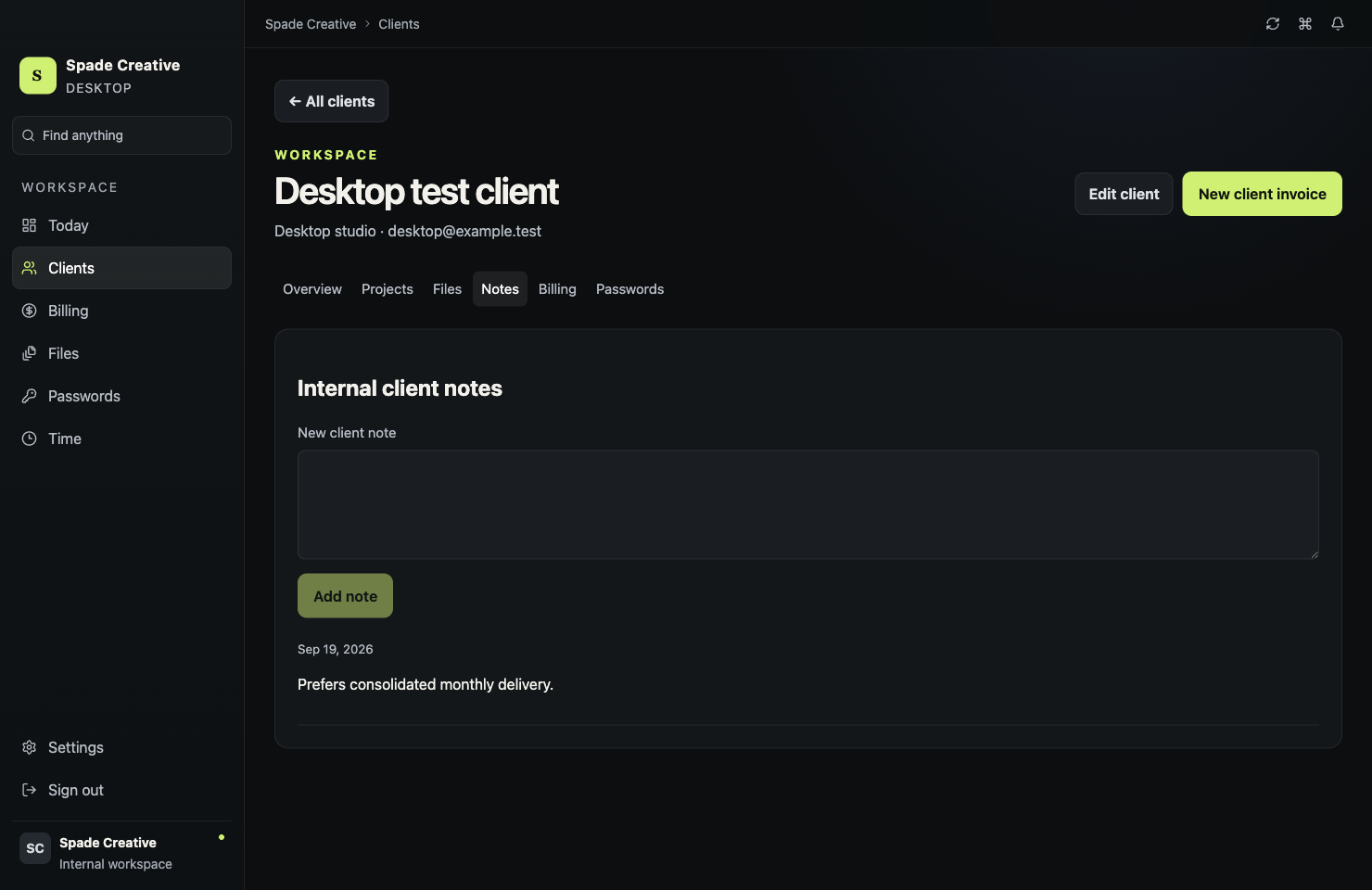
Projects, files, notes, billing and credentials in one client workspace.
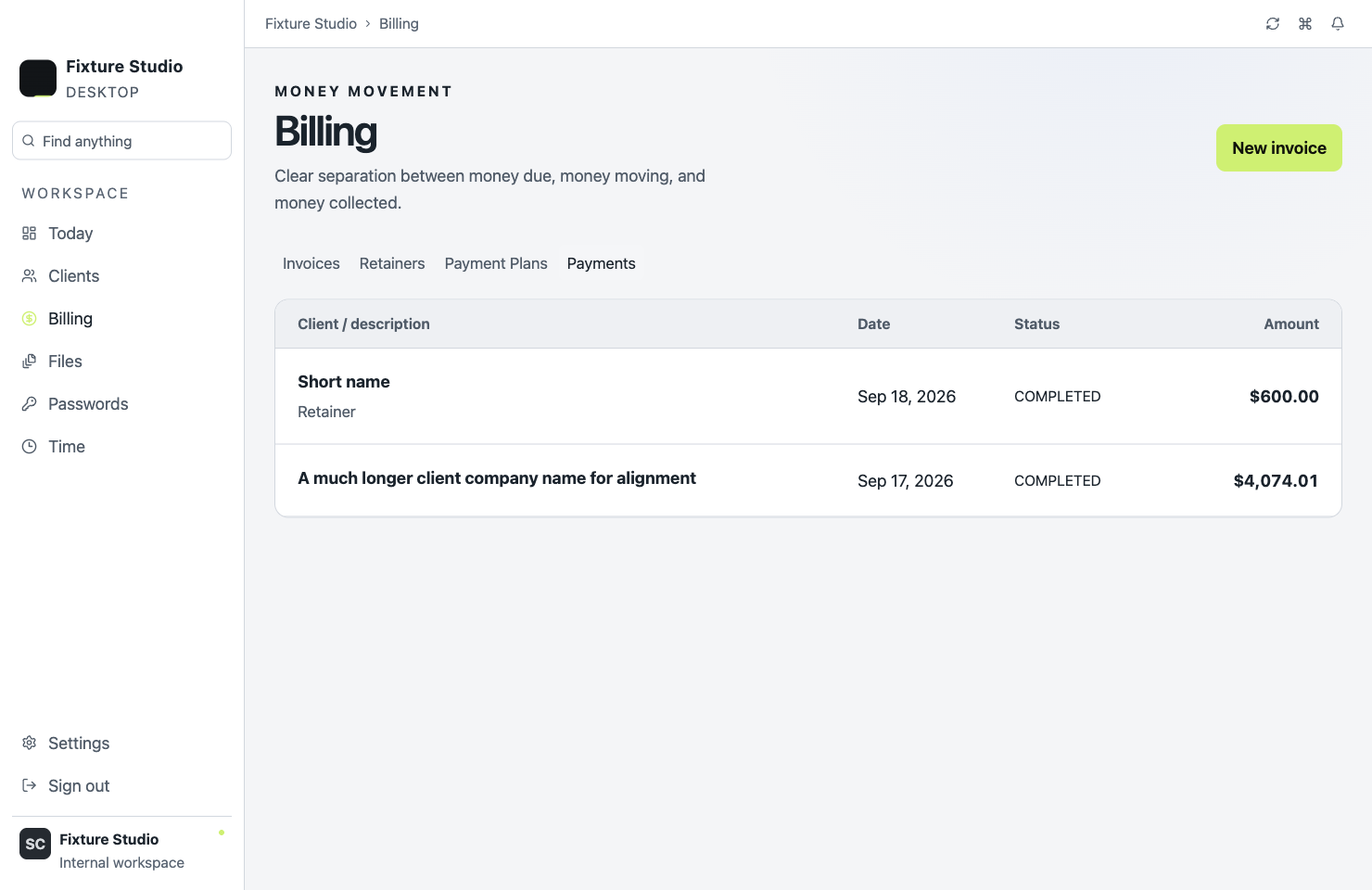
Invoice drafts, payment status, retainers and collected revenue.
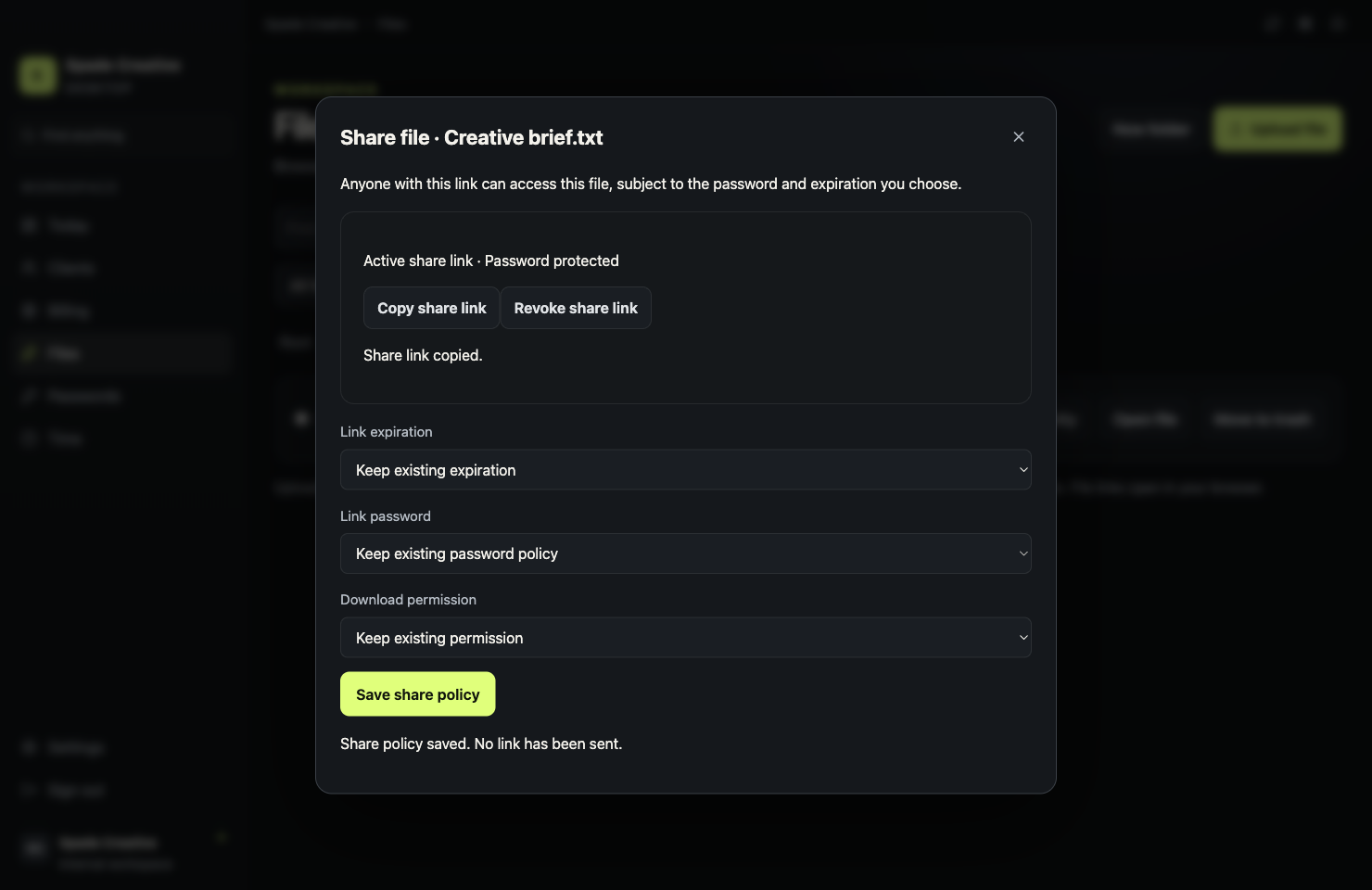
Folders, tags, client visibility and protected links with revocation.
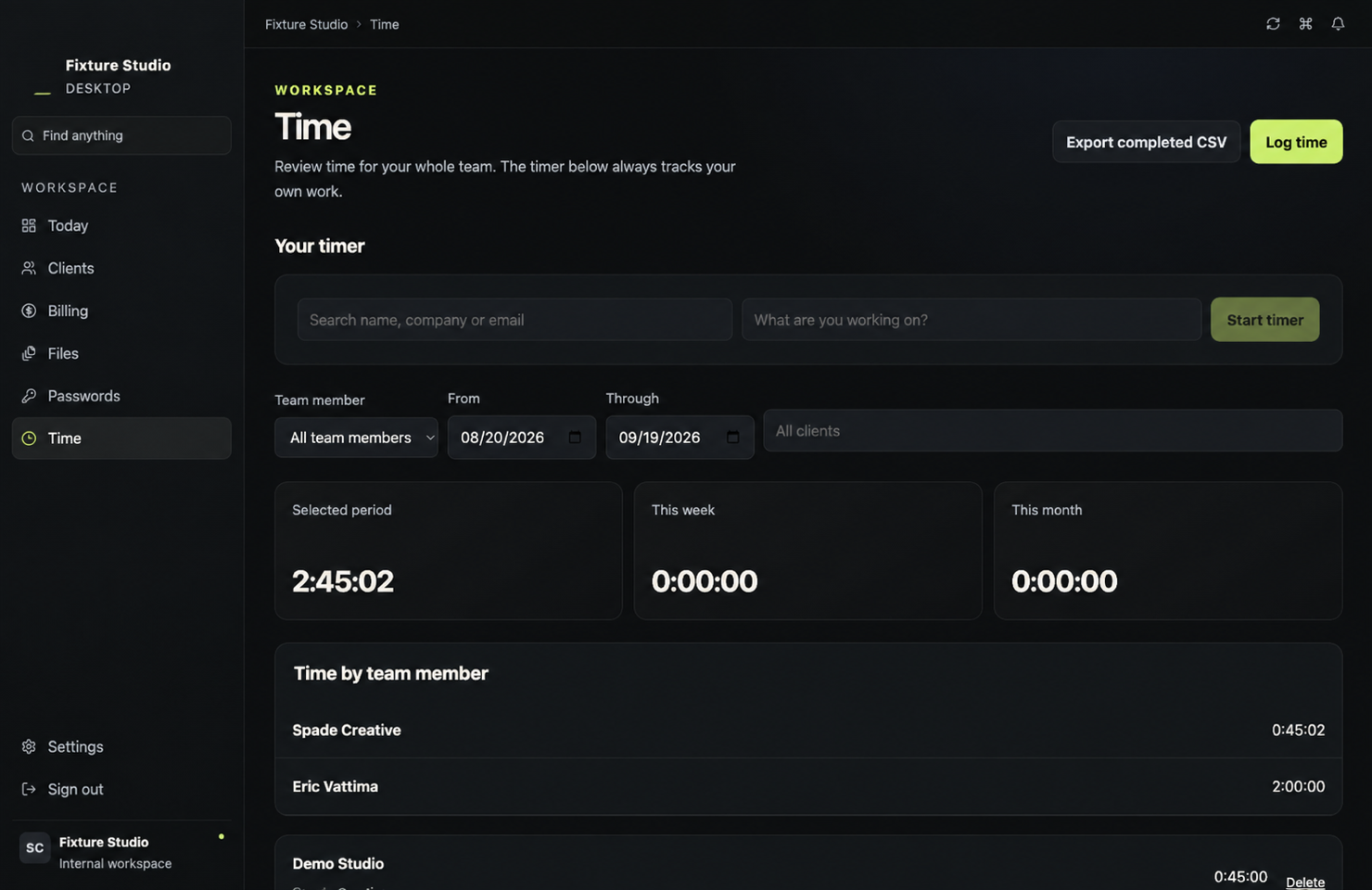
Start, pause and stop timers, or add entries manually by client.
Keep frequently used apps and in-app destinations on Today.
The interface runs locally on your Mac while your business records stay cloud backed. Sign-in happens in a separate window, and the desktop workspace stays focused on the job.
Planned founding price: $39/month for the first 12 months for approved pilot workspaces, beginning only when the production service is activated. The planned regular price is $49/month.
Pricing and final terms will be confirmed before any subscription starts. Applying today is free.
Command Center is preparing for private early access. Tell us about your business and we’ll contact you when a pilot spot fits your setup.
Request accessTell us how your studio runs.
Get your Mac downloadAfter approval and release readiness.
Sign in to your workspaceStart with your business in view.
No payment or installer is available during the application stage.
Command Center is currently in private development and early-access preparation. The public website collects applications until the production backend, account onboarding, signed installer and customer support systems are ready.
The first release is planned for Apple silicon Macs running macOS 13 Ventura or later. Windows, Intel Mac and mobile versions are not currently promised.
No. Command Center uses cloud-backed business records and requires an internet connection.
No. Command Center helps you manage invoices, payment status and operational revenue visibility. Continue using appropriate accounting and tax software for bookkeeping, reconciliation and filings.
When a customer release is ready, approved customers will receive a secure link to a signed and notarized Apple silicon disk image. Open it, drag Command Center to Applications and sign in. The current internal preview is not a customer download.
Team workspaces and permissions are part of the production release plan. Exact seat allowances will be published after entitlement and pilot testing are complete.
Yes. Command Center is planned as subscription software with supported updates while subscribed. Pricing and final terms will be confirmed before checkout opens. Joining early access does not start a subscription.